
MT Manager
Tools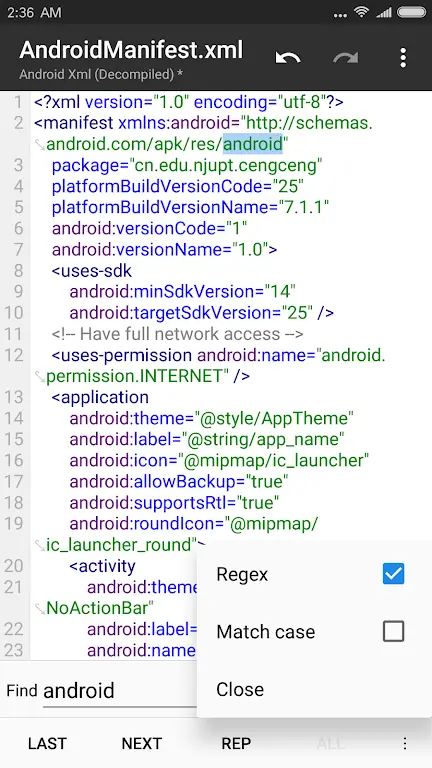
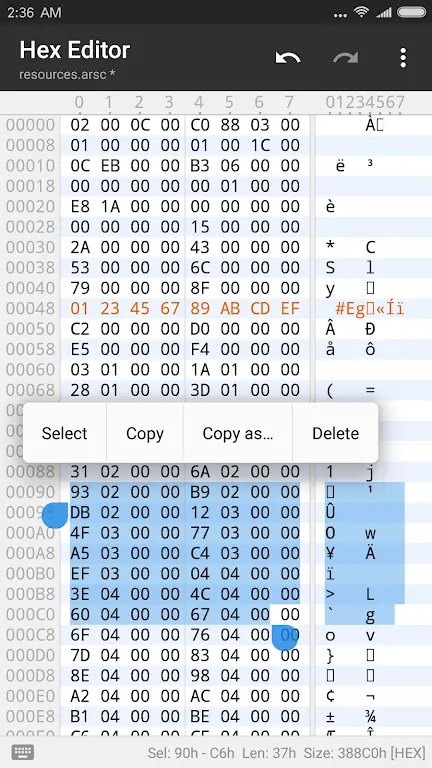
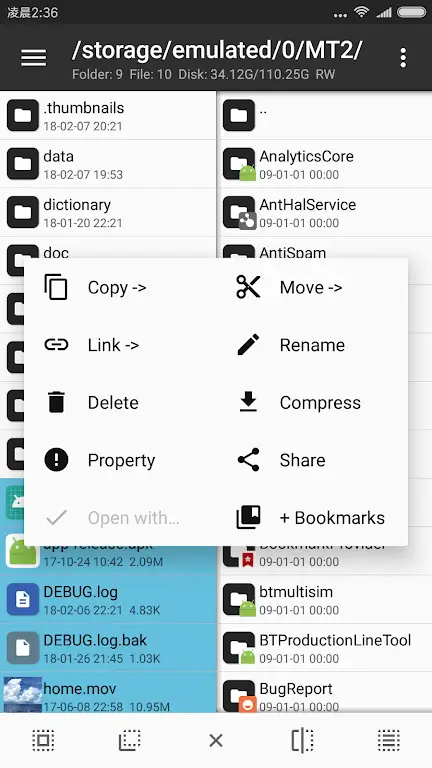
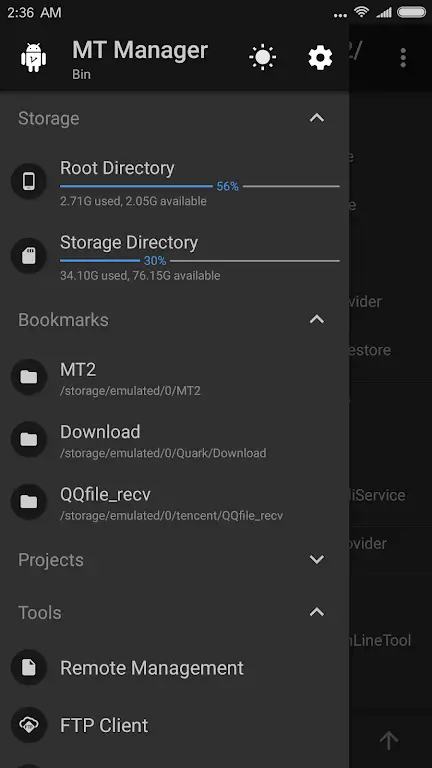
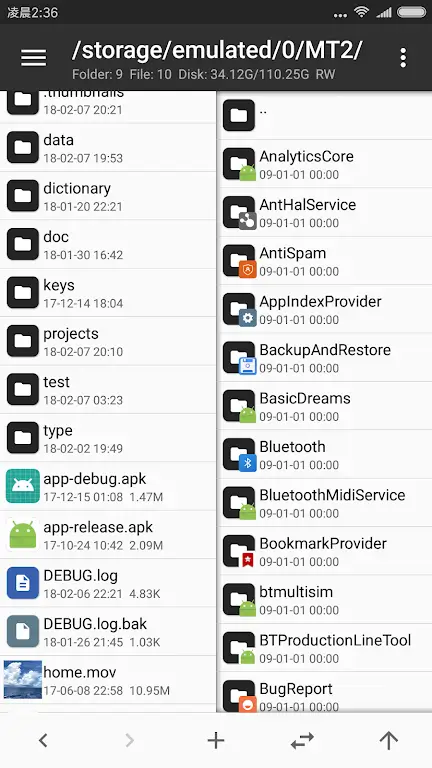

MT Manager is an Android utility that helps you explore and organise the files stored on your device. The app offers a graphical interface for browsing directories, opening common file types, and handling archive formats such as ZIP and RAR.
This page provides the latest official build (2.26.10), a quick‑look at key details, installation steps, and practical advice on safety and troubleshooting.
Quick Information
| App/Game Name | MT Manager |
| Latest Version | 2.26.10 |
| Developer | Not listed |
| Category | Apps / Tools |
| App Size | 35.75 MB |
| Package Name | bin.mt.plus |
| Last Updated | 13 October 2026 |
What Is MT Manager?
Designed for users who need more control than the default system file picker, MT Manager lets you navigate internal storage and external SD cards, copy, move, rename, and delete items, and extract or create compressed archives. The app is suited for power users, developers, and anyone who frequently works with files on Android.
Compatibility
| Android Version | Not Verified |
| Architecture (ARM64 / 32-bit) | Not Verified |
| Internet Connection | ✓ Verified — May be required for ads, updates, or login |
| Storage Needed | Not Verified |
| OBB/Data Files | Not Verified |
| Root Required | Not Verified |
How to Install
- Download the MT Manager APK file to your device.
- Open Settings → Security (or Privacy → Install unknown apps) and enable installation from the source you used (browser, file manager, etc.).
- Locate the downloaded
MT_Manager_2.26.10.apkfile and tap it. - Follow the on‑screen prompts to complete the installation.
- Once installed, open MT Manager from the app drawer and grant any storage permissions it requests.
Troubleshooting
- App not installed – Ensure you have allowed installations from unknown sources and that the APK is not corrupted.
- Crashes on launch – Verify that your device runs Android 5.0 or newer; clear the app cache or reinstall if the problem persists.
- File operations fail – Check that the app has the required storage permissions and that the target file is not locked by another app.
- Archive extraction issues – Make sure the archive format is supported (e.g., ZIP, RAR) and that the file is not password‑protected.
Safety & Security
MT Manager is distributed as an APK file. Before installing, verify the source’s reputation and scan the file with a trusted antivirus app. Review the permissions the app requests; it typically needs access to storage to function. Keep in mind that future updates from the original developer may not be compatible with a modified build, and installing unofficial versions can carry additional risk.
How MT Manager Compares
| Feature | MT Manager | Solid Explorer | FX File Explorer |
|---|---|---|---|
| Price / Model | Free (ad‑supported) | Paid (one‑time purchase) | Free with ads / optional premium |
| Platform | Android | Android, iOS | Android |
| Standout Feature | Built‑in archive creation and extraction | Dual‑pane UI for easy file transfer | Simple, lightweight interface |
| Best For | Users who need quick archive handling | Power users who manage large file sets | Casual users looking for a clean file explorer |
Alternatives
- Solid Explorer – A premium file manager with a two‑pane layout, cloud storage integration, and strong encryption support.
- FX File Explorer – Offers a clean UI, network file sharing, and a free version that covers basic file operations.
- File Manager+ – A free app with ad‑supported file browsing, basic archive handling, and a straightforward interface.
Final Verdict
MT Manager is a practical, free tool for Android users who need reliable file browsing and archive management without a steep learning curve. It works well on most modern devices, but users should verify the APK’s source and be comfortable granting storage permissions. If you require advanced features like dual‑pane navigation or cloud integration, consider a paid alternative such as Solid Explorer.
Frequently Asked Questions
Only install the APK from a reputable source and scan it with an antivirus app before use.
The app runs on Android 5.0 (Lollipop) and newer.
Root is not required for basic file browsing, but some advanced operations may need it.
Yes, the app includes built‑in support for extracting common archive formats like ZIP and RAR.
Make sure you have enabled installations from unknown sources and that the APK is not corrupted.
Updating the app typically preserves your files, but it’s wise to back up important data before installing a new version.
Only the latest version (2.26.10) is provided here; older builds can be found on other sites but are not recommended.
Yes, you can have both versions installed, but they share the same package name, so the newer APK will replace the existing one.